
If you have a Coordinator or Administrator account on CareApp you can edit a notice that has already been posted.
Please see the guide below on how you can do this.
Mobile
1. Log into a Coordinator or Administrator account on CareApp.
2. Tap on the notice you wish to edit.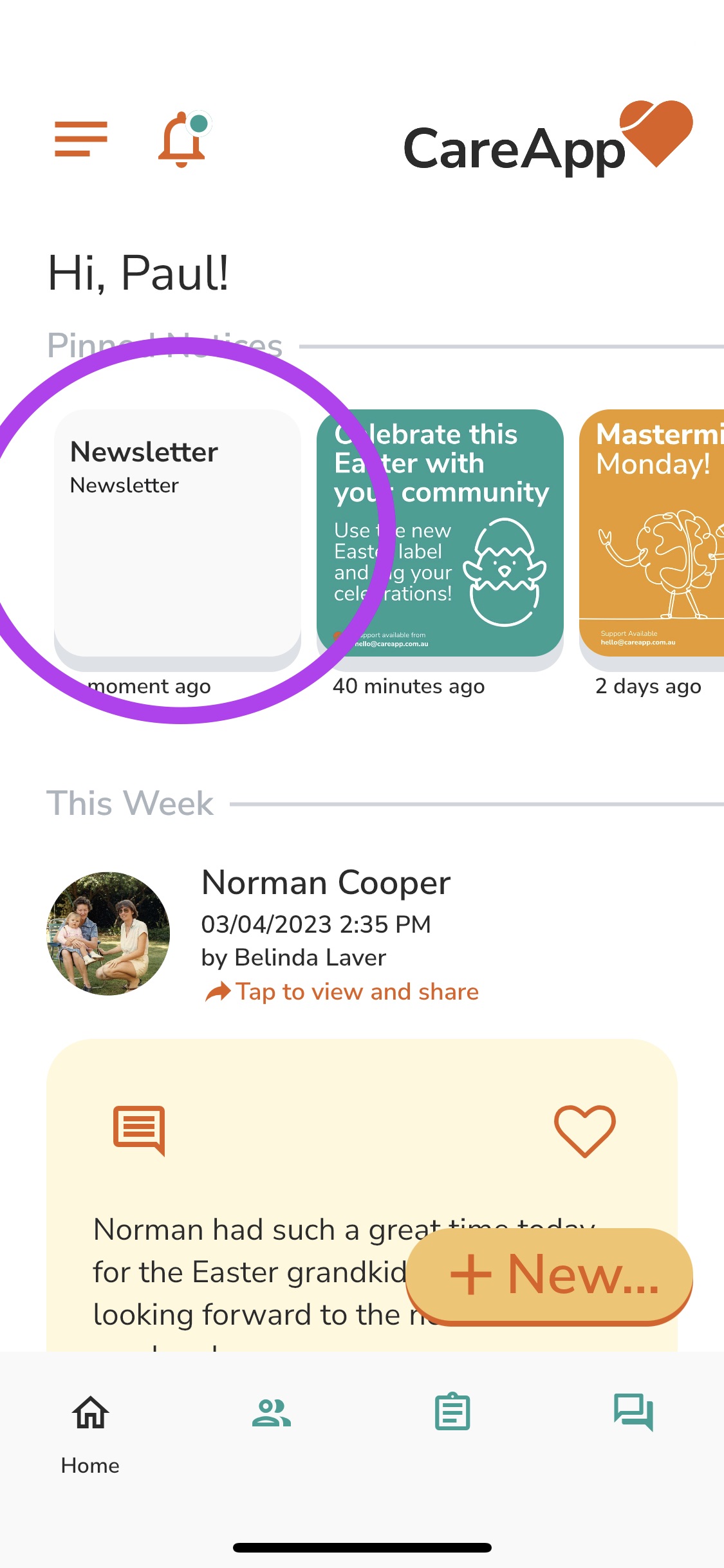
3. Tap "Edit".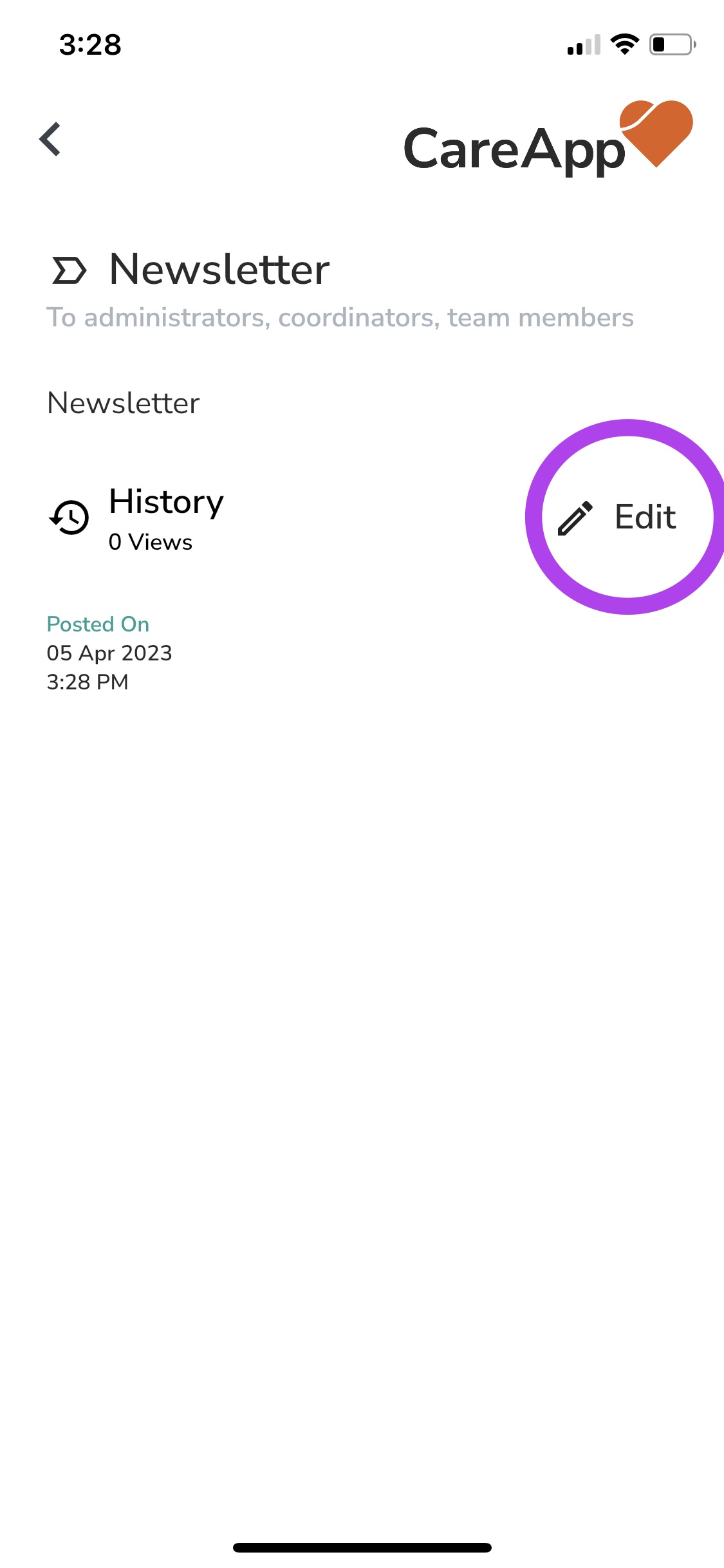
4. Choose "Edit" from the drop-down menu.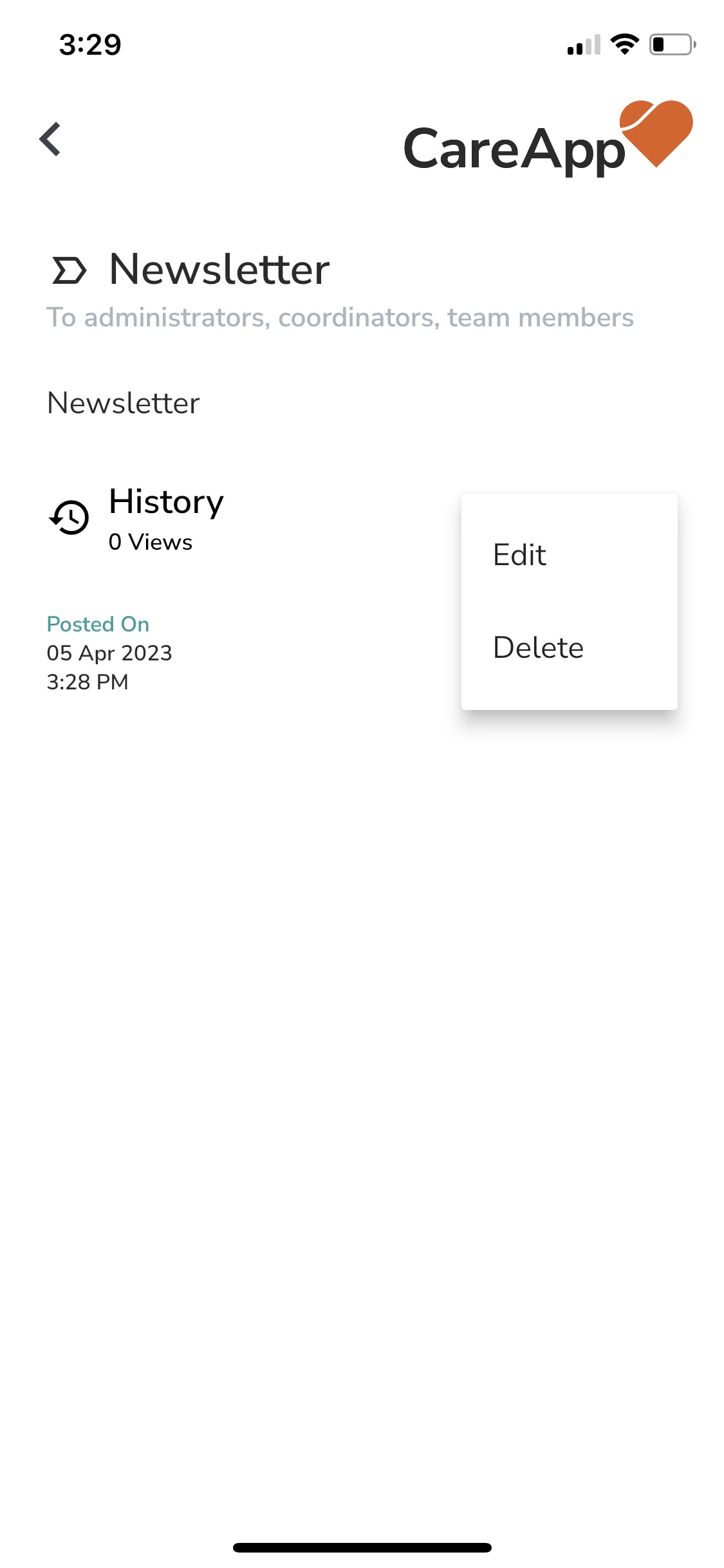
5. You will now be able to edit this post.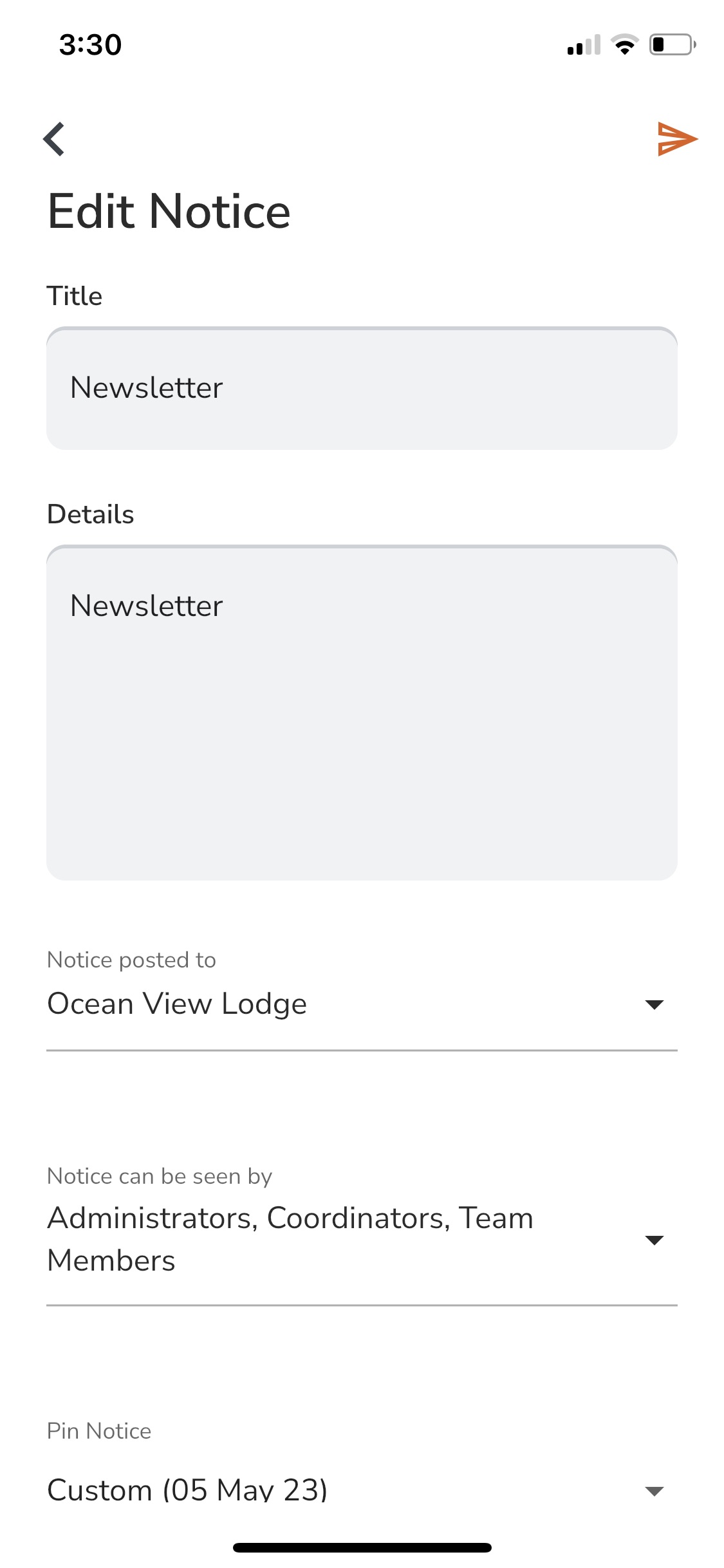
6. Tap the send button to post the edited version of your Notice..png)