
⏰ What Happens If My Invitation Expires?
When you’re invited to join CareApp, you’ll have 28 days to accept your invitation. During that time, you’ll receive weekly reminder emails to notify you it’s still pending.
If the 28 days pass and the invitation expires — no stress! Your provider or the CareApp support team can easily send you a new one.
To request a new invitation, simply:
- Speak to the staff on site at your care provider, or
- Get in touch with our friendly support team at hello@careapp.com.au
Once the new invitation has been sent, you’ll have another 28 days to accept it.
👇 See below for a step-by-step guide on how to accept your invite.
How to accept a CareApp invitation and create an account
👋 Need help accepting your CareApp invitation?
Follow the steps below to create your account and get connected.
Not been invited yet? Check out our guide on how to get an account.
Steps to Accept Your Invitation
1. Find your invitation
- Check your email (including spam) for an invitation from CareApp hello@careapp.com.au.

2. Accept the Invitation
- Click the “Accept invitation to CareApp” button in the email.
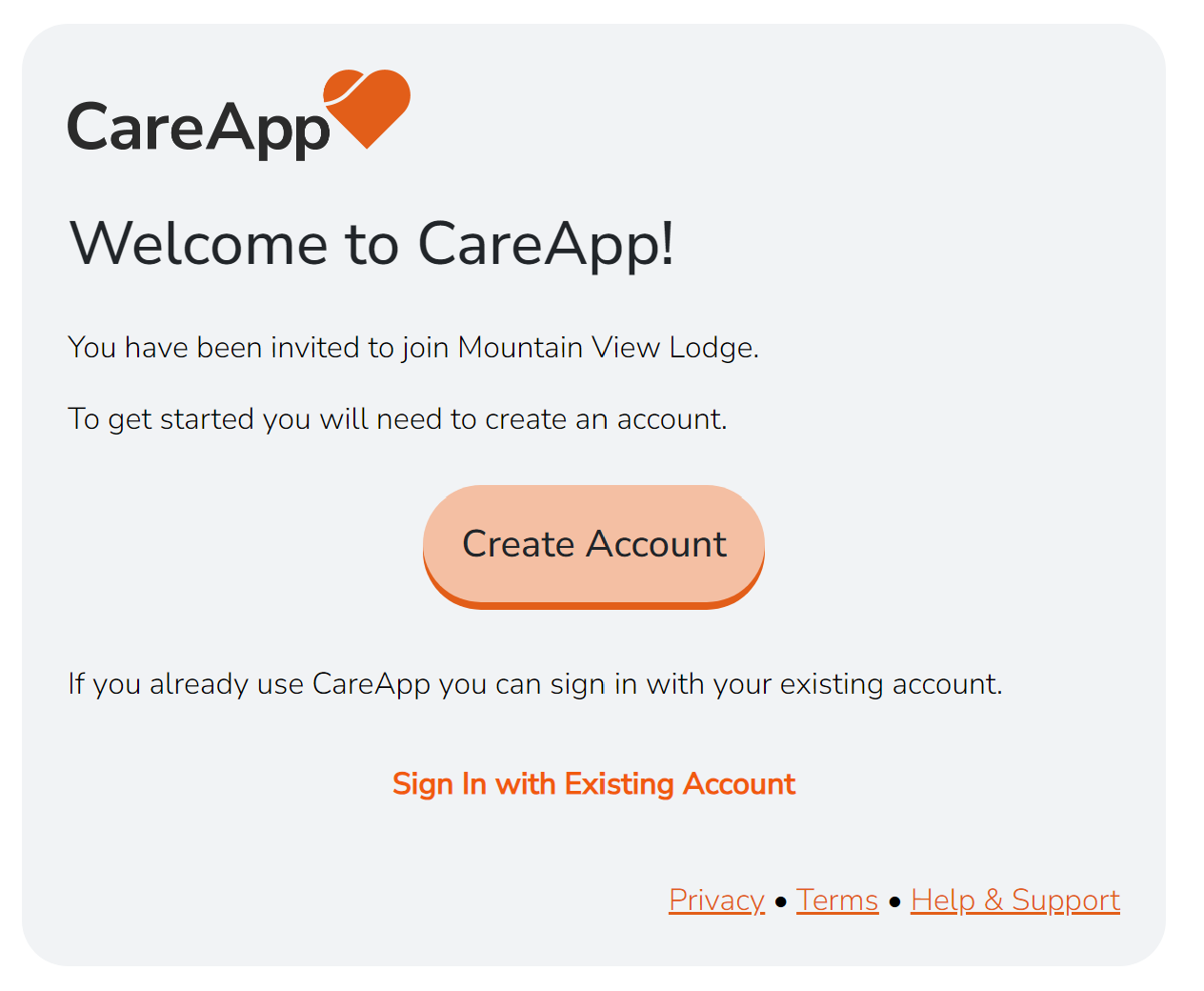
3. Create or connect your account
- New to CareApp? Click “Create Account”.
- Already have an account? Click “Sign In With Existing Account” to connect this invitation.
4. Set your password
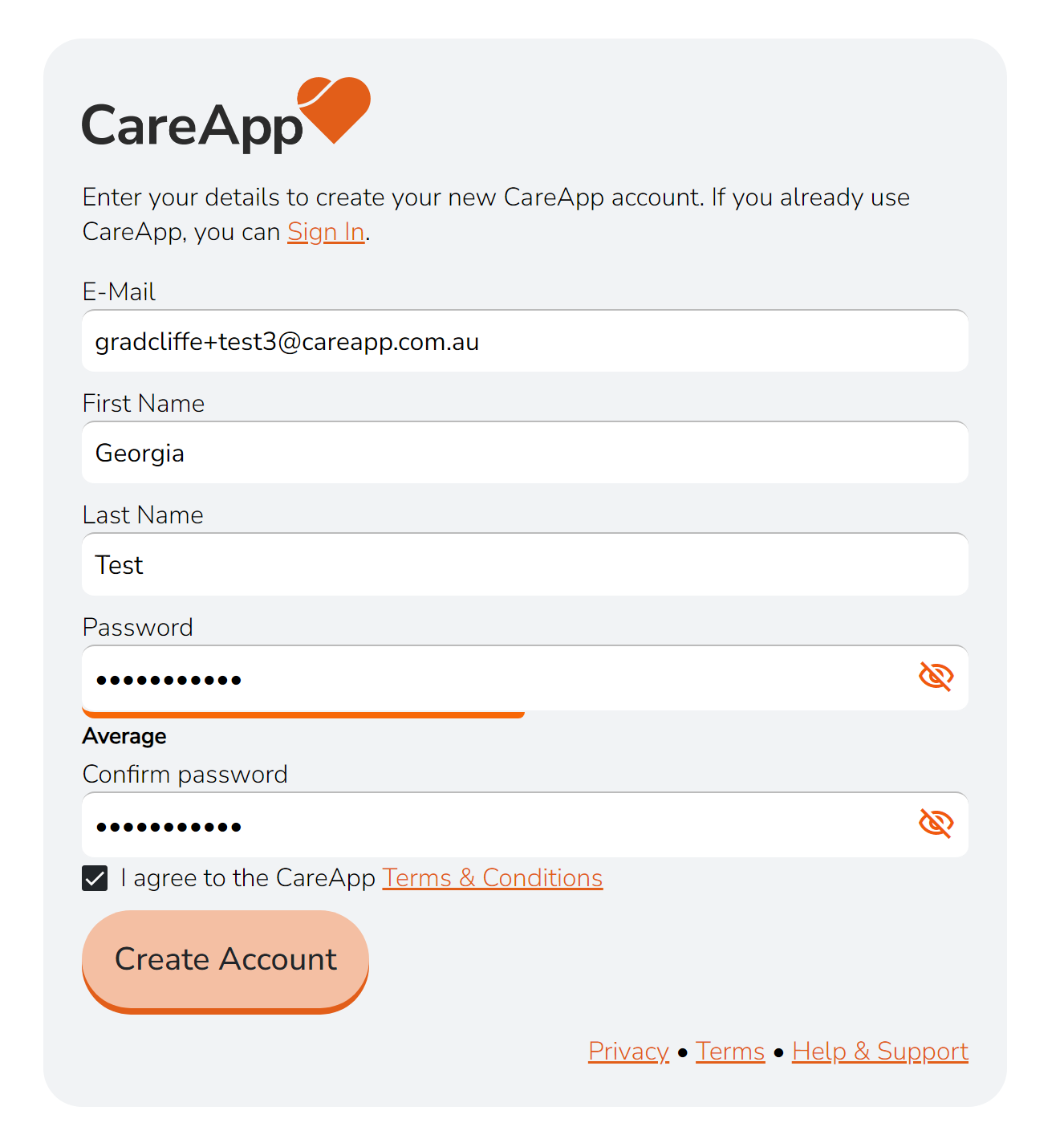
- Enter your First and Last Name and create a password.
- Type your password twice to confirm.
5. Complete signup
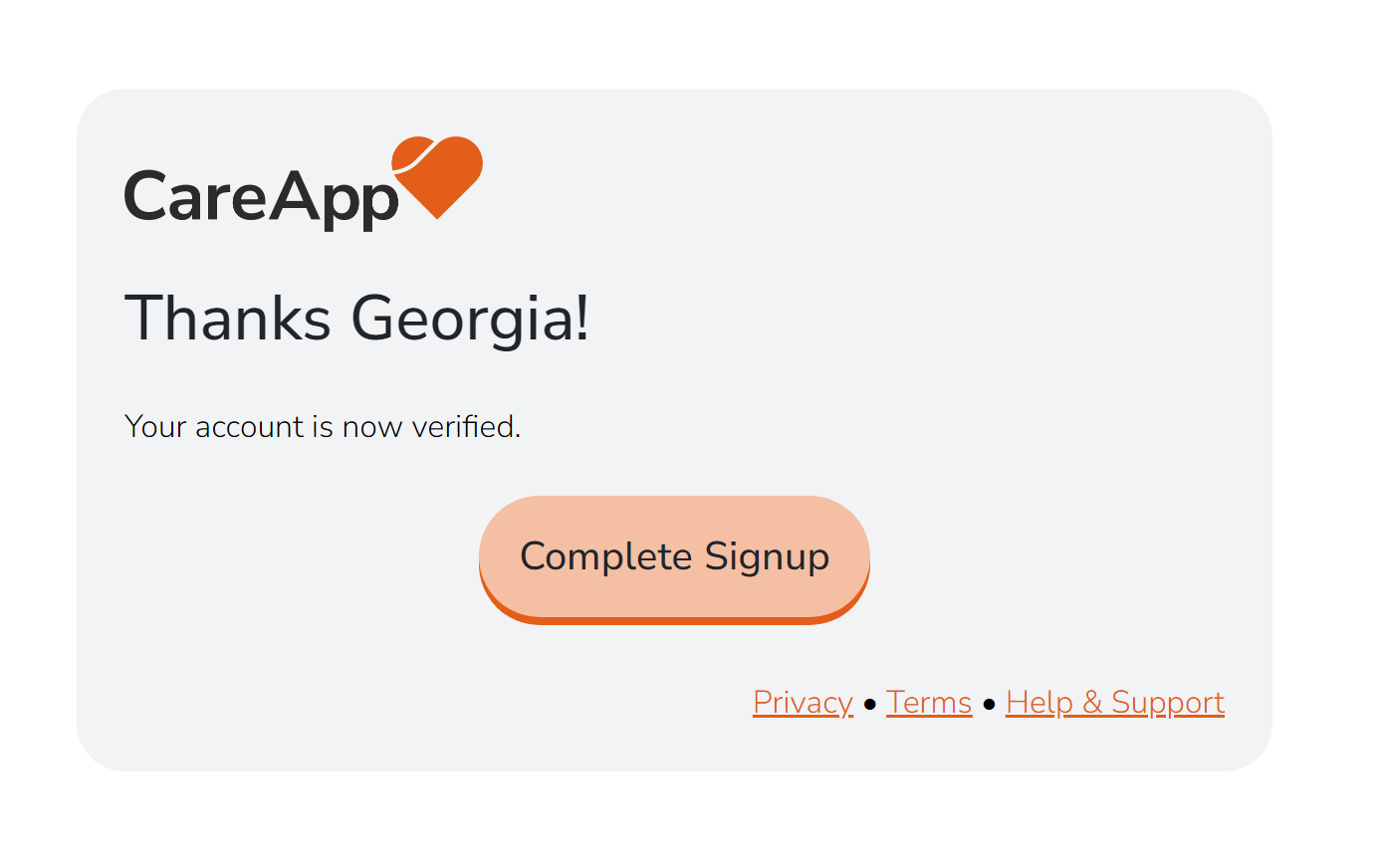
- Click “Complete Signup” to activate your account.
Prefer a full video guide to follow along to?
Check out our step-by-step video guide to learn how to accept your invitation, create your password, log in, download the app, and get started with CareApp!